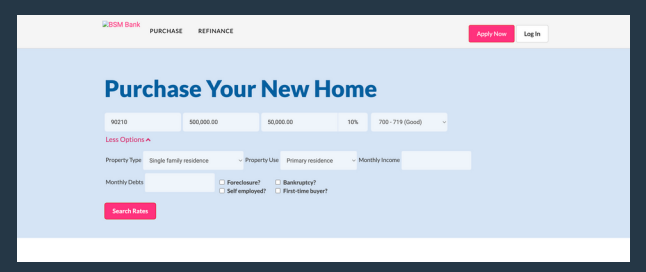
Step 1: Enter loan information and answer any relevant details in the _More
Details_ dropdown.
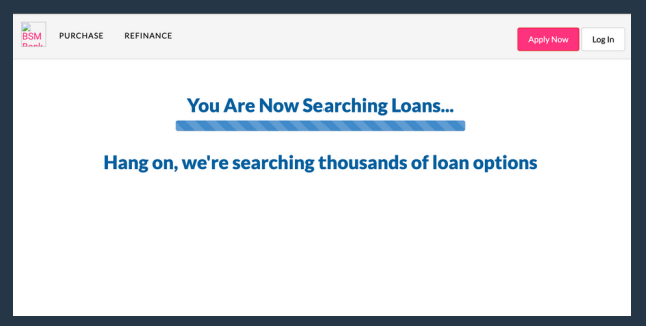
Step 2: It will then search for loan information. This may take a moment.
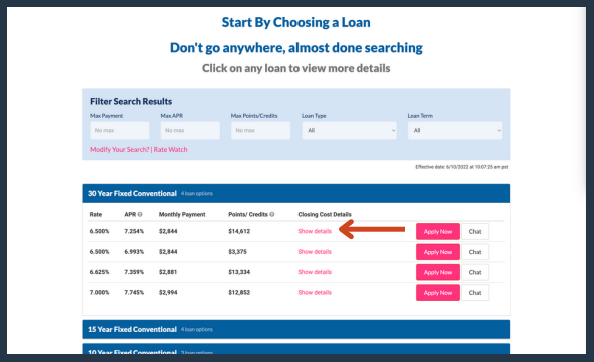
Step 3: Once it finds loans for you, click _Show details_ under the Closing Cost
Details header for the scenario you would like fees for.
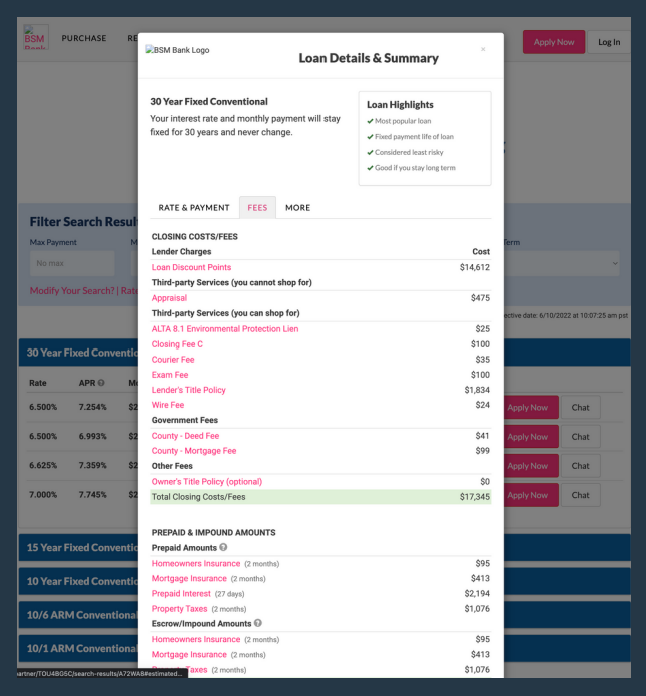
Step 4: Once the loan opens, click the FEES tab.png
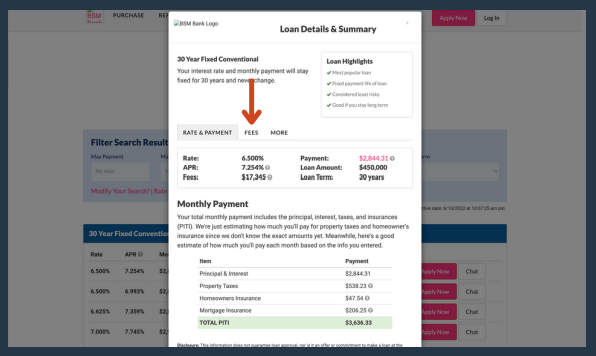
Step 5: Fees have automatically been generated for that loan file.